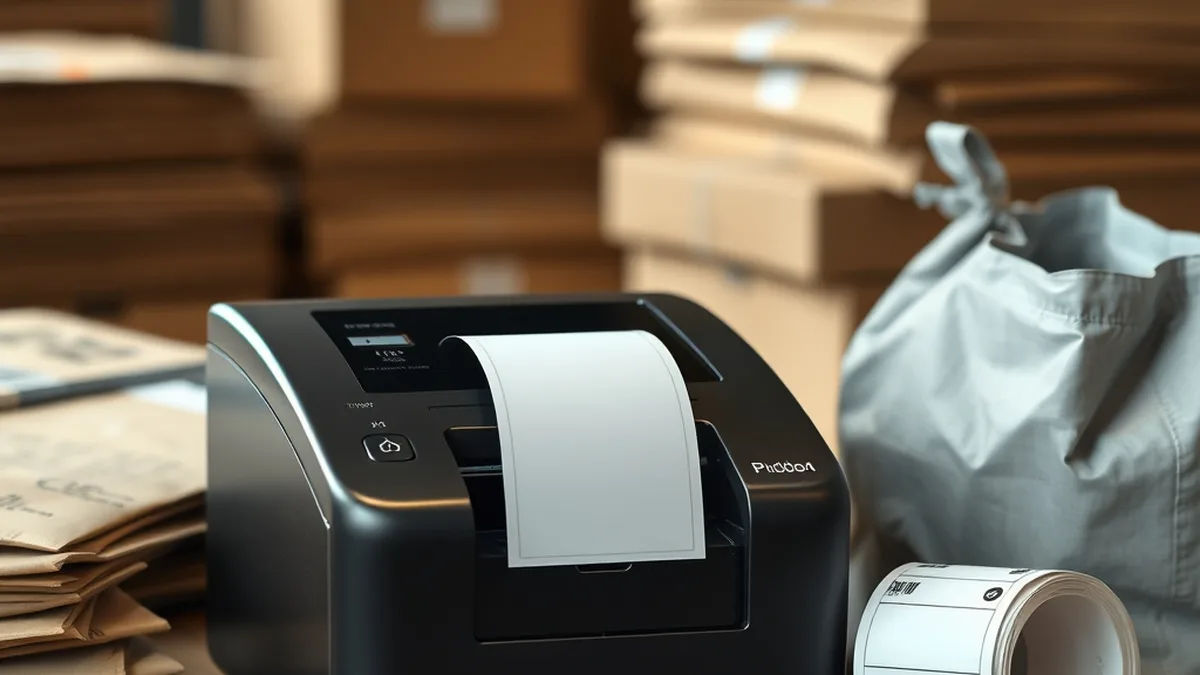
Best Label Printers for Daraz & Online Sellers in Pakistan (2026 Guide)
Every Daraz, Shopify and Instagram order ends the same way: an airway bill stuck on a parcel. If you are still printing those on A4 paper, cutting them with scissors and taping them on, a label printer will save you hours every week. It also gives the rider a clean barcode that scans the first time.
This guide explains which label size Pakistani couriers use, the difference between direct thermal and thermal transfer printers, and which printer suits your order volume.
Which label size do Daraz and couriers use?
The standard is 100 × 150 mm (4 × 6 inch). It is the airway bill size used for Daraz orders and by TCS, Leopards, Trax, PostEx and M&P. Seller tools and courier portals can lay out their airway bills on one 4 × 6 sticker, so you print one label per parcel and peel it straight on.
That size decides your printer. A 4 × 6 label needs a 4-inch printer, one with a print head about 104–108 mm wide. Receipt printers with 58 mm or 80 mm paper are too narrow for full-size airway bills. They are fine for small price tags and receipts, but not for courier labels.
Direct thermal or thermal transfer?
- Direct thermal: the print head heats special label paper, which turns black. There is no ink, toner or ribbon to buy, so it is the cheapest way to print shipping labels. The labels fade over months in sun and heat, which does not matter for a parcel that arrives in two or three days.
- Thermal transfer: the print head melts ink from a ribbon onto the label. The print lasts for years and resists heat, moisture and rubbing. Choose it for product barcodes, warehouse shelf labels, asset tags and anything stored for a long time.
Most online sellers only need direct thermal. If you also label your own stock with SKU barcodes, a printer that does both gives you the choice.
What to check before you buy
- Print width: 4 inch for airway bills. 2 inch and 3 inch printers are only for small product labels.
- Resolution: 203 dpi is standard and prints courier barcodes and QR codes clearly. 300 dpi only matters for very small labels and fine text.
- Speed: 127–160 mm per second is plenty for a small seller. At that speed a 150 mm label prints in about a second.
- Connection: USB for a laptop or desktop. Bluetooth lets you print from a phone, which helps if you run your store from the Daraz Seller app. LAN or Ethernet lets several computers share one printer in a warehouse.
- Label sensing: the printer should detect gap labels, so every airway bill starts at the top of a sticker instead of drifting.
- Roll size: desktop printers take rolls with 250–500 labels. Bigger rolls mean fewer changes during a sale.
Best label printers by order volume
Starting out: up to 50 orders a day
The Speed-X SP-690UB is a 4-inch (104 mm) direct thermal shipping label printer with USB and Bluetooth and a 160 mm/s print speed. It prints Daraz and courier airway bills from a laptop or a phone, and it is the easiest way to stop printing on A4.
If you want one machine for both receipts and labels, the Speed-X SP-700U 4 Inch is a thermal receipt and label printer. 3-inch models such as the X Printer XP-365B (72 mm print width, 200 mm/s, USB) and the Speed-X SP-650UL are better for receipts, price tags and small product labels than for full 4 × 6 airway bills.
Growing stores: 50–300 orders a day
At this volume you need a printer that runs all day and prints product barcodes as well as airway bills. The Black Copper BC-LP1300 prints direct thermal or thermal transfer at 203 dpi, 127 mm/s and up to 108 mm wide, and it handles gap, black-mark and fan-fold labels. The TSC TTP-244 Pro has the same 108 mm width and 127 mm/s speed with both printing methods and USB, serial and parallel ports.
The TSC TE200 is faster at 152 mm (6 inch) per second and takes a 300 m ribbon, so you change it less often. The Honeywell PC42T Plus and Zebra ZD220 are desktop printers from two of the most widely used barcode printer brands.
Warehouses and fulfilment: 300+ orders a day
For large volumes, move to a printer built for long shifts. The TSC TE210 prints at 152 mm/s with the same 300 m ribbon capacity, and the Black Copper BC-LP2500 prints both ways at 203 dpi with USB and LAN as standard, so several packing stations can share it. For a full industrial line, the Honeywell PD45S prints at 50–250 mm/s in 203 or 300 dpi, and the TSC MH-241T reaches 356 mm/s (14 inch per second) with Ethernet, USB and serial ports.
Labels and ribbons
For airway bills, buy direct thermal 100 × 150 mm rolls and check that the core size fits your printer. For product and shelf barcodes, smaller sizes such as 50 × 25 mm or 38 × 28 mm are common. We stock barcode label rolls in these sizes. If you print thermal transfer, match the ribbon width to your label width.
How to print Daraz airway bills on a label printer
- Install the printer driver on your computer and add a 100 × 150 mm (4 × 6) paper size.
- Load the roll and run the printer's auto-calibration so it learns the gap between labels.
- In Daraz Seller Center, set orders to Ready to Ship and open the shipping label document.
- In the print dialog, choose the label printer and the 4 × 6 size, set the scale to fit the page, and turn off margins.
- Print one test label and scan the barcode with your phone before you print a full batch.
Courier portals and Shopify courier apps work the same way: choose the single-label or 6 × 4 sticker layout instead of the A4 layout.
Common problems and fixes
- Label prints across two stickers: recalibrate the printer and check that the paper size in the driver is exactly 100 × 150 mm.
- Faded or grey barcode: raise the darkness setting in the driver, and keep direct thermal rolls away from heat and sunlight.
- Tiny label in the corner: the PDF is A4. Set scaling to fit the page, or choose the courier's 4 × 6 layout.
- Nothing prints but paper feeds: you are using plain paper in direct thermal mode, or the ribbon is missing in thermal transfer mode.
Frequently asked questions
Can I use a receipt printer for Daraz labels?
Only for small labels. A 58 mm or 80 mm receipt printer is too narrow for a full 4 × 6 airway bill. Use a 4-inch label printer.
Do I need ink or a ribbon?
Not for shipping labels. Direct thermal printers use no ink or ribbon. You only need a ribbon for thermal transfer labels that must last for years.
Can I print from my phone?
Yes, with a Bluetooth printer such as the Speed-X SP-690UB, if the app you use can send the label to the printer.
Do you deliver across Pakistan?
Yes. We ship genuine label printers with warranty, cash on delivery and invoices nationwide. Message us on WhatsApp at 03209492059 if you need help choosing.
See every model in our label and barcode printer range.
Need help choosing the right product?