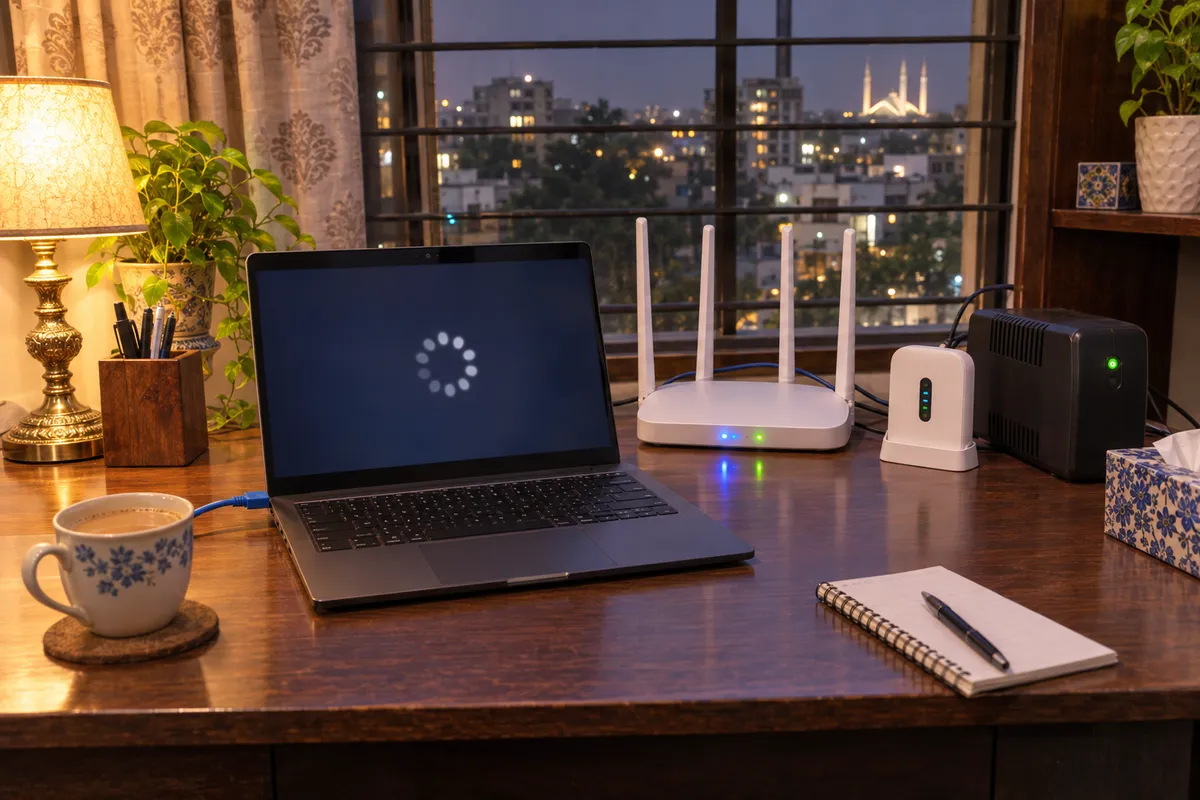
Slow Internet in Pakistan: SMW5 Cable Fault, Repair Date & How to Fix Your Wi-Fi
If YouTube buffers, WhatsApp calls break up and work video calls freeze in the evening, you are not alone. On 18 November 2026 the PTA said the SEA-ME-WE 5 (SMW5) submarine cable had developed a fault about 11 km off Pakistan's coast, which "may cause some internet users to experience intermittent connectivity issues and a decline in service quality". Cloudflare Radar recorded HTTP traffic from Pakistan dropping by as much as 36% after the fault (The National).
This guide explains what happened, when the repair is expected, how to tell whether your slow internet is the cable or your own Wi-Fi, and which fixes are actually worth paying for.
SMW5 cable fault: what we know
| Detail | Information | Source |
|---|---|---|
| Fault reported | 18 November 2026, about 11 km from Pakistan's shore | PTA press release |
| Cable operator in Pakistan | Transworld Associates (TWA), working with the SMW5 consortium | PTA |
| Traffic rerouted | TWA told PTA about 80% of the affected traffic was moved to other cable systems | Dawn, 21 November |
| Expected repair | 6 December 2026 (tentative) | TWA email to customers, reported by Dawn and TechJuice |
| Until then | Slower speeds, especially at peak hours | TWA |
This is the second SMW5 fault this year. The July 2026 fault was fixed by 3 July, when the PTA confirmed internet services were back to normal. The 6 December date is tentative, so check the PTA's official X account or website for the restoration notice.
Is it the cable or your Wi-Fi? A 5-minute check
A submarine cable fault reduces international capacity. Your connection inside the house is a separate problem, and often the bigger one. Check both:
- Run two speed tests: one against a server in Pakistan and one against a server abroad (most speed test apps let you change the server). If the local test is fine and the international one is slow, the cable fault or your ISP's international link is the bottleneck.
- Test next to the router, then in your usual room. A big drop between the two means weak Wi-Fi, which no cable repair will fix.
- Plug a laptop in with a LAN cable. If wired is fast and Wi-Fi is slow, the problem is your router or its placement.
- Check at 11am and at 9pm. A big peak-hour drop points to congestion on your ISP's international links, which matches what TWA described.
- Restart the router and check whether other people on your ISP report the same problem.
What helps right now (free)
- Lower video quality on YouTube and streaming apps to 480p or 720p in the evening.
- Pause cloud backups, game downloads and Windows or phone updates until late night or early morning.
- For Zoom, Teams and Meet, turn off your camera when you're not speaking; audio needs far less bandwidth.
- Avoid free VPN apps. A VPN can't bypass a damaged cable and usually adds delay.
- Pakistan's National CERT also advised this week to update WhatsApp from official app stores and turn off media auto-download, which saves data too.
Fix your home Wi-Fi (this lasts after the repair)
Many homes still use the single-band router their ISP installed years ago. A dual-band router lets phones and laptops use the faster, less crowded 5GHz band.
- D-Link DIR-816 AC750: dual-band (300Mbps 2.4GHz + 433Mbps 5GHz), 4 LAN ports. A budget upgrade for flats. Rs 5,500.
- TP-Link Archer C6 AC1200: up to 867Mbps on 5GHz, MU-MIMO and beamforming, gigabit ports. Good for families with many phones. Rs 9,800.
- TP-Link Archer AX50 AX3000: Wi-Fi 6 with OFDMA and gigabit ports, for fiber connections and heavy users. Rs 34,000.
Dead zones upstairs? The TP-Link TL-WR846N supports router, access point and extender modes and is EasyMesh-compatible (Rs 4,800). The Xiaomi Mi Wi-Fi Repeater Pro is a simple plug-in extender (Rs 3,885). Place an extender halfway between the router and the weak room, not in the weak room itself.
Old laptop or desktop stuck on 2.4GHz? A USB adapter adds 5GHz: the TP-Link Archer T2U Nano (AC600) for Rs 4,500 or the UGREEN CM761 Wi-Fi 6 adapter with a high-gain antenna for Rs 3,850.
Laptop with no LAN port? The UGREEN CM512 USB-C 7-in-1 hub adds Ethernet, HDMI and USB ports, so you can plug in for important calls (Rs 8,200).
Not sure if a wall LAN point or old cable is faulty? The 868 LAN and phone cable tester checks LAN, telephone and coaxial wiring (Rs 4,250).
A backup connection: 4G/5G SIM routers
Be realistic here: mobile networks also depend on international links, so a SIM router is not a guaranteed fix for a cable fault. What it does give you is a second, independent connection for when your fiber or DSL line is down, your ISP is badly congested, or there is load-shedding at the exchange. Many freelancers and offices keep one for that reason.
- Huawei B525: 4G Cat-6, dual-band Wi-Fi, up to 64 devices, 4 LAN ports. Rs 11,000.
- Huawei B535: 4G Cat-7, dual-band AC1200 Wi-Fi, 4 gigabit ports. Rs 12,000.
- ZLT X21: 5G NSA/SA and 4G, dual-band Wi-Fi, 4 gigabit LAN ports. Rs 14,000.
- ZLT KJ33 DU: 5G and 4G Cat-12, dual-band Wi-Fi 6. Rs 14,500.
5G only helps where your operator has 5G coverage, so check your area first. Weak indoor signal? An outdoor 4G/5G antenna (Rs 2,500) helps compatible SIM routers. Before buying any SIM router, read our PTA approval guide.
On the move? Pocket Wi-Fi devices such as the Huawei W03 (Cat-6, dual-band, Rs 7,000) or ZTE 802ZT (Cat-16, dual-band, Rs 8,000) share one SIM with your laptop and phone.
Keep the router on during load-shedding
A cable fault plus a power cut is the worst combination. A router UPS (Rs 4,000) switches automatically to battery so your Wi-Fi stays up when the power goes, and your router doesn't take minutes to reconnect after every cut.
Suggested setups
| Need | Setup | Approx. cost |
|---|---|---|
| Student or small flat | D-Link DIR-816 + router UPS | Rs 9,500 |
| Family home, two floors | TP-Link Archer C6 + Xiaomi repeater + router UPS | Rs 17,685 |
| Freelancer or home office | TP-Link Archer C6 + Huawei B535 backup + router UPS | Rs 25,800 |
| Office with 5G coverage | ZLT KJ33 DU + outdoor antenna + router UPS | Rs 21,000 |
Browse all routers and network accessories. If you work from home in Lahore, our smog work-from-home guide covers webcams, headsets and the rest of the setup.
FAQ
Why is the internet slow in Pakistan right now?
The PTA linked the slowdown to a fault in the SMW5 submarine cable about 11 km off Pakistan's coast, reported on 18 November 2026. Traffic has been moved to other cables, but peak-hour speeds are still slower.
When will the internet be back to normal?
Transworld Associates gave a tentative repair date of 6 December 2026. Watch for the PTA's restoration notice.
Will a new router fix slow internet?
Not the cable fault. It fixes weak Wi-Fi, dead zones and crowded 2.4GHz channels, which are often the bigger cause of slow internet at home and remain after the repair.
Does a VPN help during a cable fault?
No. A VPN still uses the same international links and usually adds delay.
Should I buy a 4G or 5G SIM router as backup?
It's a good backup if your fixed line goes down or your ISP is congested, but mobile networks also rely on international links, so it isn't a guaranteed fix for a cable fault.
Sources: PTA press release (18 November 2026), PTA restoration notice (3 July 2026), Dawn (21 November 2026), TechJuice, The National (Cloudflare Radar data). Repair dates are tentative and may change.
Need help choosing the right product?