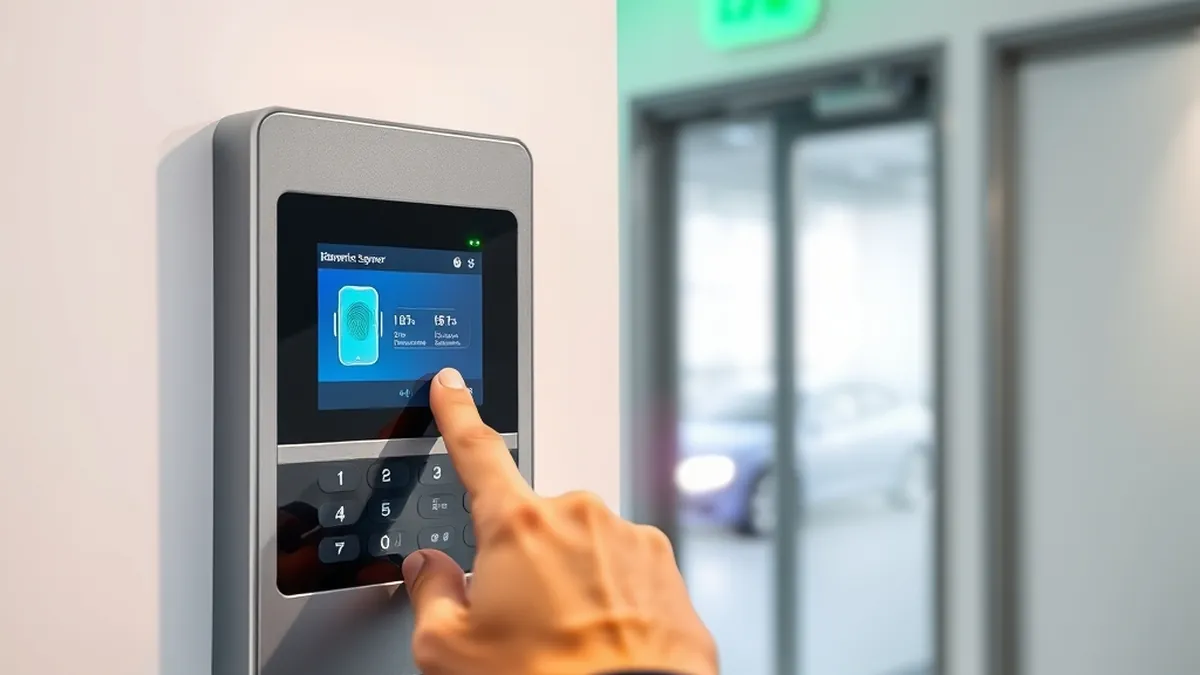
Biometric Attendance Machines in Pakistan: Fingerprint vs Face for Offices, Schools & Hospitals (2026 Guide)
Paper registers are on their way out. In July 2026 Punjab's School Education Department told district education authorities to install CCTV cameras and biometric attendance systems in about 38,000 government schools within a month, paid for from each school's non-salary budget. Offices, factories, hospitals and private schools have been moving the same way for years, mostly for one simple reason: a machine on the wall ends proxy attendance and "my friend signed for me".
The results speak for themselves. When PITB put biometric attendance in Punjab's district and tehsil headquarters hospitals and gave biometric tablets to 2,667 basic health units and rural health centres, staff attendance rose from 58% in August 2016 to 90% by July 2017.
The hard part is choosing the machine. Here is the practical version of what we tell school heads, HR managers and IT staff who call us.
Fingerprint, face, or both?
- Fingerprint only: the cheapest and most common option. It works well for office staff and teachers. It struggles with people whose fingerprints are worn, such as labourers, cleaners, kitchen staff and some older employees.
- Face recognition: nothing to touch, so it is quicker in a morning queue and more hygienic. It works for people whose fingerprints don't read. Mount it at face height and away from direct sunlight.
- Face + fingerprint: the safest choice for most schools and offices. Each person uses whichever method works for them, and you can also add a card or password.
Rule of thumb: if more than a handful of your staff do manual work, buy a face + fingerprint machine. You will avoid daily "my finger isn't working" complaints.
What to check before you buy
- User capacity: buy for at least double your current staff. A 1,000-fingerprint machine is plenty for a school; a factory with shifts needs 3,000 to 5,000.
- Connectivity: TCP/IP (LAN) lets the HR PC pull records automatically. USB Host lets you download records to a flash drive where there is no network. Wi-Fi is optional on many models.
- Cloud / ADMS: if a head office needs to see attendance from several branches or schools, pick a model that supports ADMS push to a server.
- Backup battery: with load-shedding, a machine that switches off at 8 am is useless. Some models have a built-in backup battery; for the rest, use a small UPS.
- Scheduled bell: schools can use the machine to ring the period bell through a relay.
- Access control: some machines can also open a door lock, which is handy for server rooms and staff gates.
Recommended machines by use
Small office, clinic or school: fingerprint machines
The ZKTeco K40 stores 1,000 fingerprints (2,000 without SSR) and 80,000 records, with a 2.8-inch colour screen, TCP/IP and USB, a web server and a scheduled bell. The ZKTeco K50 raises that to 3,000 fingerprints and 100,000 records and adds a backup battery and simple access control. The compact ZKTeco MB20 supports 1,000 fingerprints with 1:N and 1:1 matching and fits easily on a reception desk or wall.
Schools and offices with mixed staff: face + fingerprint
The ZKTeco MB360 handles 1,200 faces and 1,500 fingerprints with 100,000 records. The ZKTeco MB460 Plus steps up to 1,500 faces and 2,000 fingerprints, with SMS, a scheduled bell and optional Wi-Fi. For a larger campus or a multi-branch setup, the ZKTeco MB560-VL stores 3,000 faces and 3,000 fingerprints, supports ADMS and works from -10°C, which suits unheated gates in winter.
The Pollo Face Smart PLF-1000 is a strong value pick. It stores 1,000 faces and 10,000 fingerprints, gives voice prompts, verifies in under 0.5 seconds and has a 2 to 4 hour backup battery, a real plus during load-shedding.
Touch-free entry: face only
The ZKTeco KF460 is a face recognition terminal with lock, door sensor and exit button connections. It works as an attendance machine and a door controller in one.
Factories, hospitals and large staff
The ZKTeco uFace800 has a 4.3-inch touchscreen and stores 3,000 faces, 4,000 fingerprints and 10,000 cards. At the top end, the ZKTeco G3 stores 5,000 fingerprints and up to 5,000 faces (1:1) and has Wiegand output and ADMS, making it suitable for main gates and large shift operations.
Setup tips that save headaches
- Enrol two fingers per person, on different hands, in case of a cut or bandage.
- Install face machines indoors at about 1.15 to 1.5 m, facing away from windows and doors.
- Give the machine a fixed IP address on your LAN so the attendance software always finds it.
- Set the machine's date and time correctly and download records regularly, or switch on cloud push.
- Keep the device on a UPS or use a model with a built-in battery.
Attendance machine or USB fingerprint scanner?
An attendance machine is a standalone wall device that stores records on its own. A USB fingerprint scanner plugs into a PC or tablet and works inside software such as a school information system, HMIS or bank app. If your department's software needs to verify people against NADRA or its own database, read our guide to fingerprint scanners for NADRA verification.
Frequently asked questions
Which biometric attendance machine is best for a school?
For most schools, a face + fingerprint model such as the ZKTeco MB360 or MB460 Plus is the best balance of price and reliability. Smaller schools with only teaching staff can start with a K40 or K50.
Do these machines work without internet?
Yes. They store attendance on the device. You download records over LAN or USB, and internet is only needed for cloud reporting.
Do you install and supply in bulk?
We supply genuine, sealed units with a 12-month warranty, cash on delivery and invoices for procurement across Pakistan. Message us on WhatsApp at 03209492059 for bulk pricing and help choosing a model.
See every model in our biometric attendance range.
Need help choosing the right product?